






FTP images save instructions
アナウンサー: Danica 時間: 14th May 2026
と共有する:


もっと
 1254 ビュー
 0 コメント
1、Use network communication (Connect the network cable)
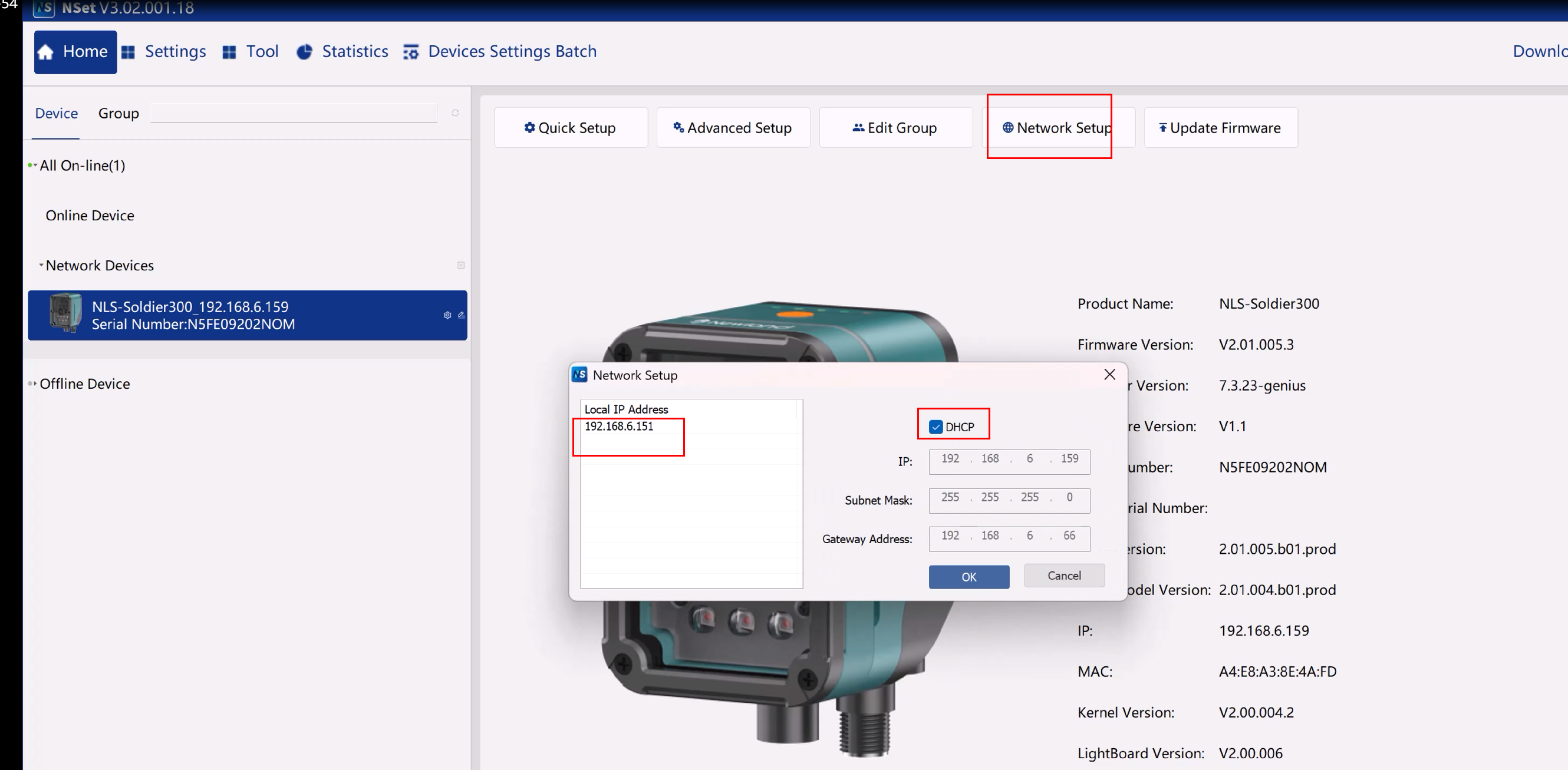
1)Select the network device on the left
2)Network Setup -> Select “DHCP”
3)Remember “Locale IP Address”
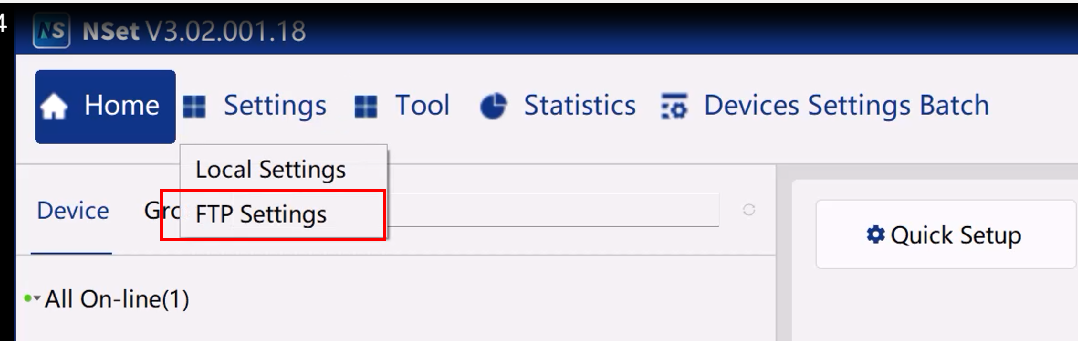
1) Settings -> FTP Settings
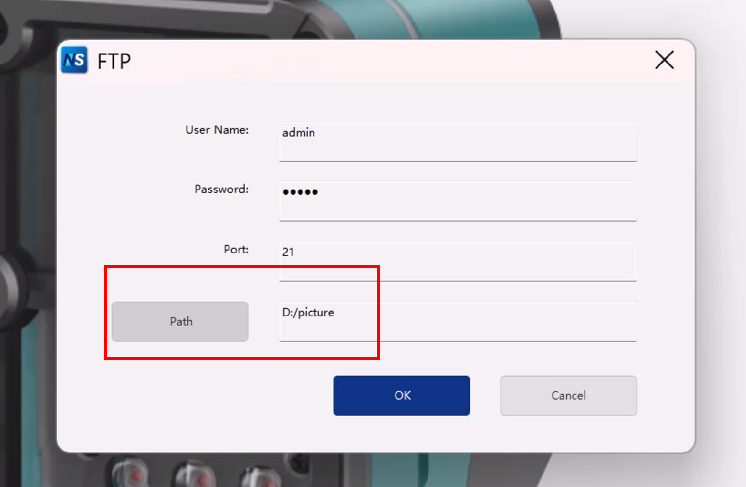
2)Path: Select the storage path for the images
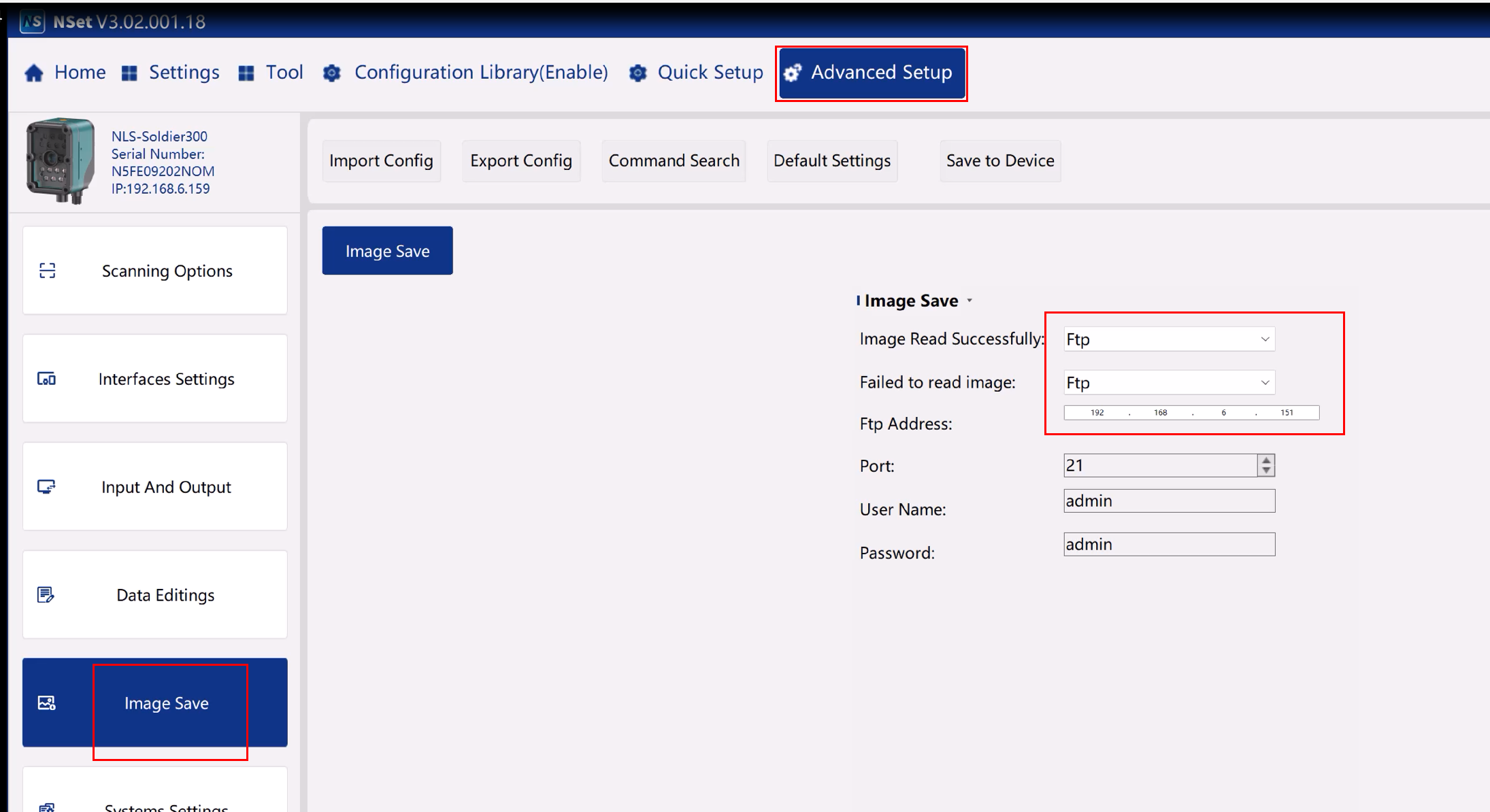
1)Advance Setup -> Image Save
2)Image Read Successfully -> Select ”Ftp”
3)Fail to read image -> Select ”Ftp”
4)Ftp Address: Enter “Locale IP Address”
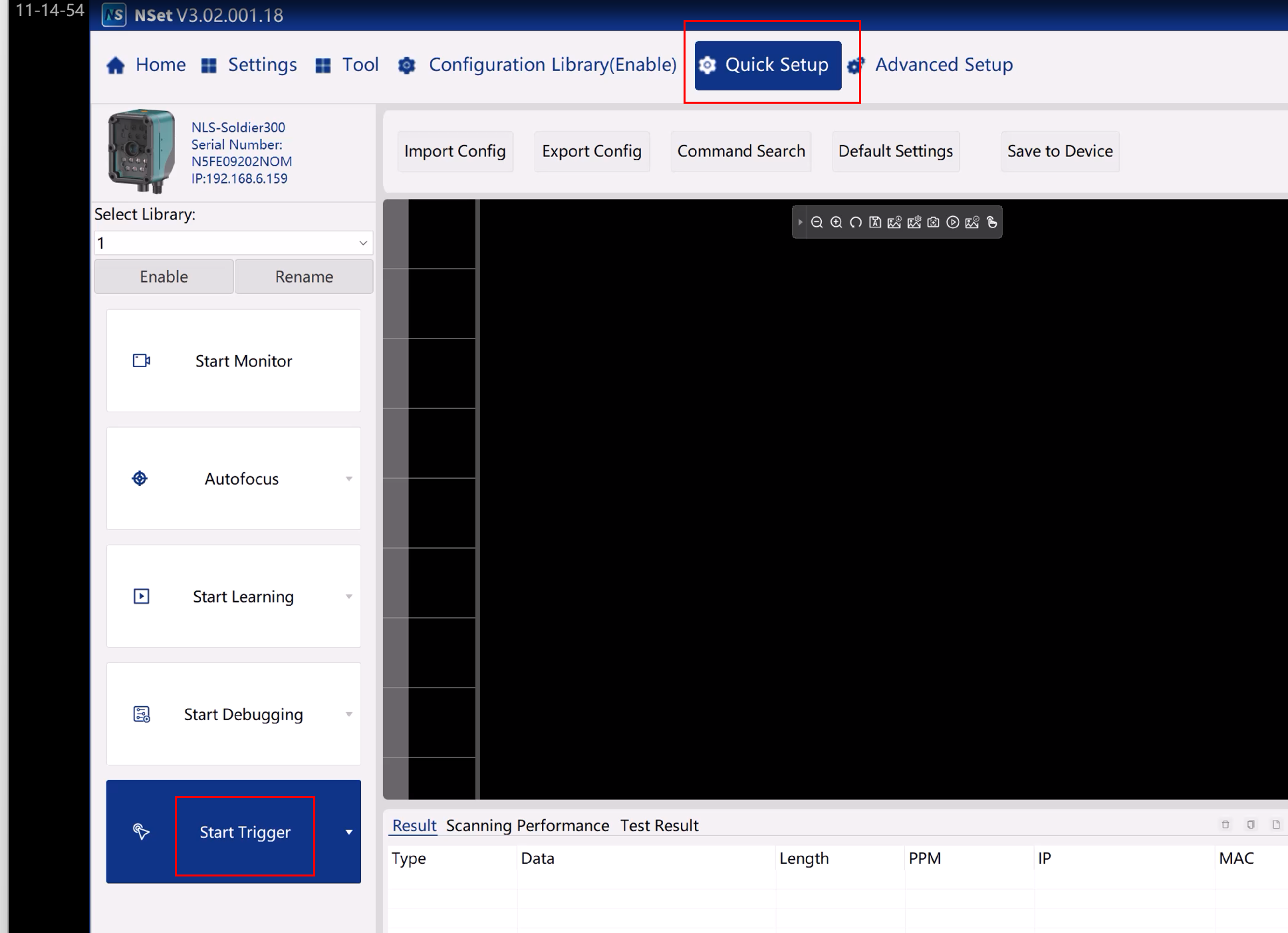
1)Quick Setup -> “Start Trigger”
2)Read Barcode
3)Quick Setup -> “Stop Trigger”
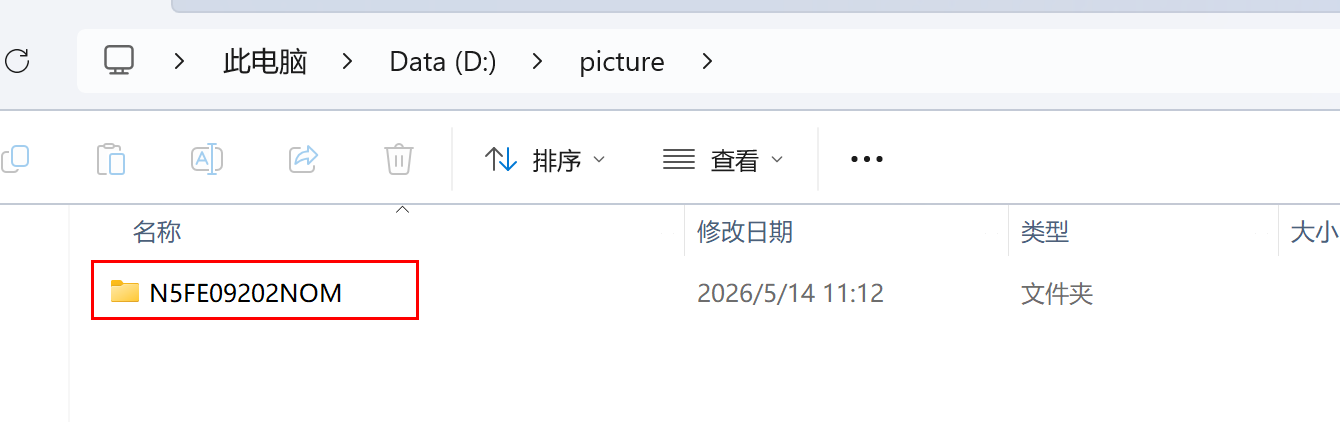
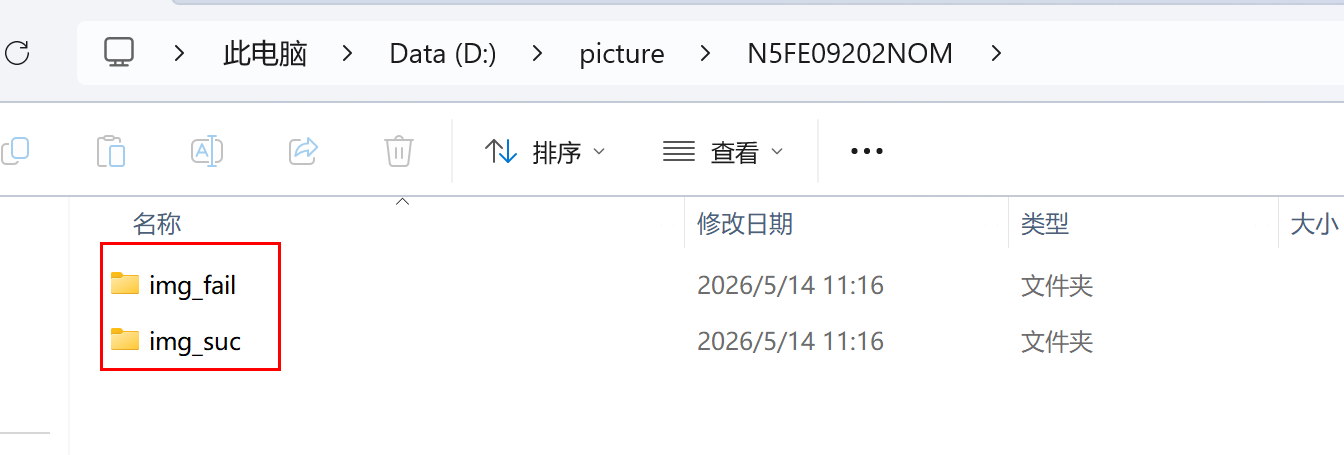
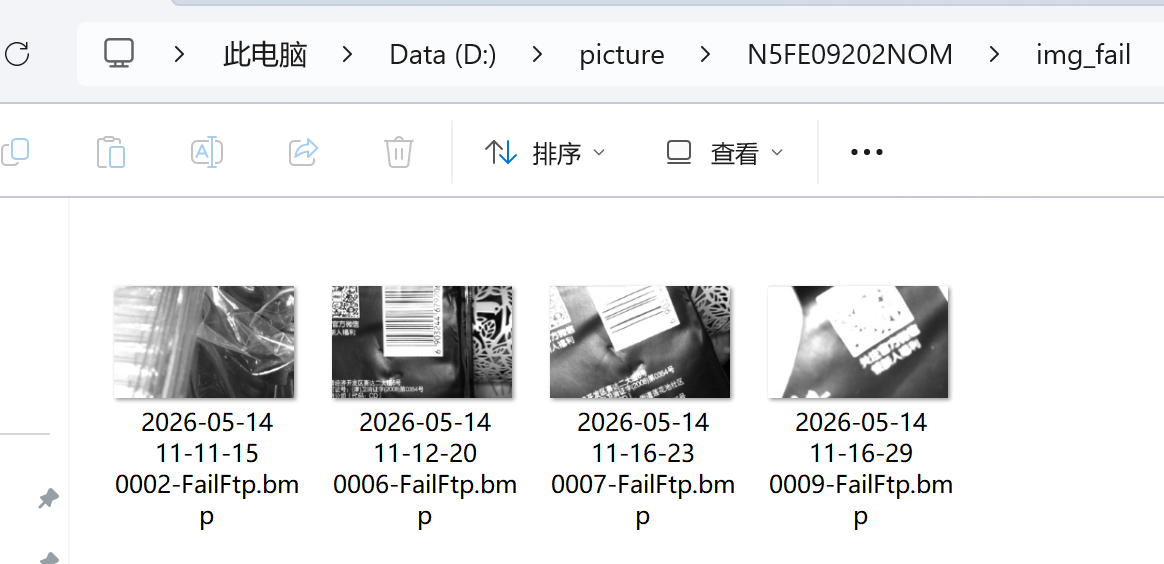
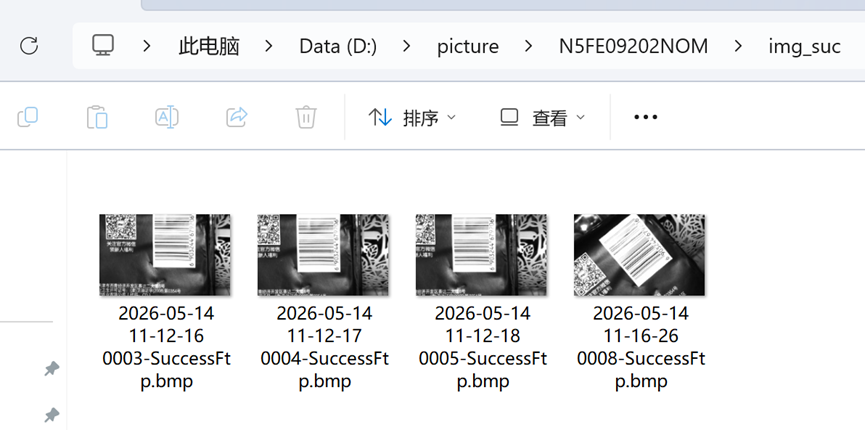
1)Open the storage path to check the images
1)Select the network device on the left
2)Network Setup -> Select “DHCP”
3)Remember “Locale IP Address”
1) Settings -> FTP Settings
2)Path: Select the storage path for the images
1)Advance Setup -> Image Save
2)Image Read Successfully -> Select ”Ftp”
3)Fail to read image -> Select ”Ftp”
4)Ftp Address: Enter “Locale IP Address”
1)Quick Setup -> “Start Trigger”
2)Read Barcode
3)Quick Setup -> “Stop Trigger”
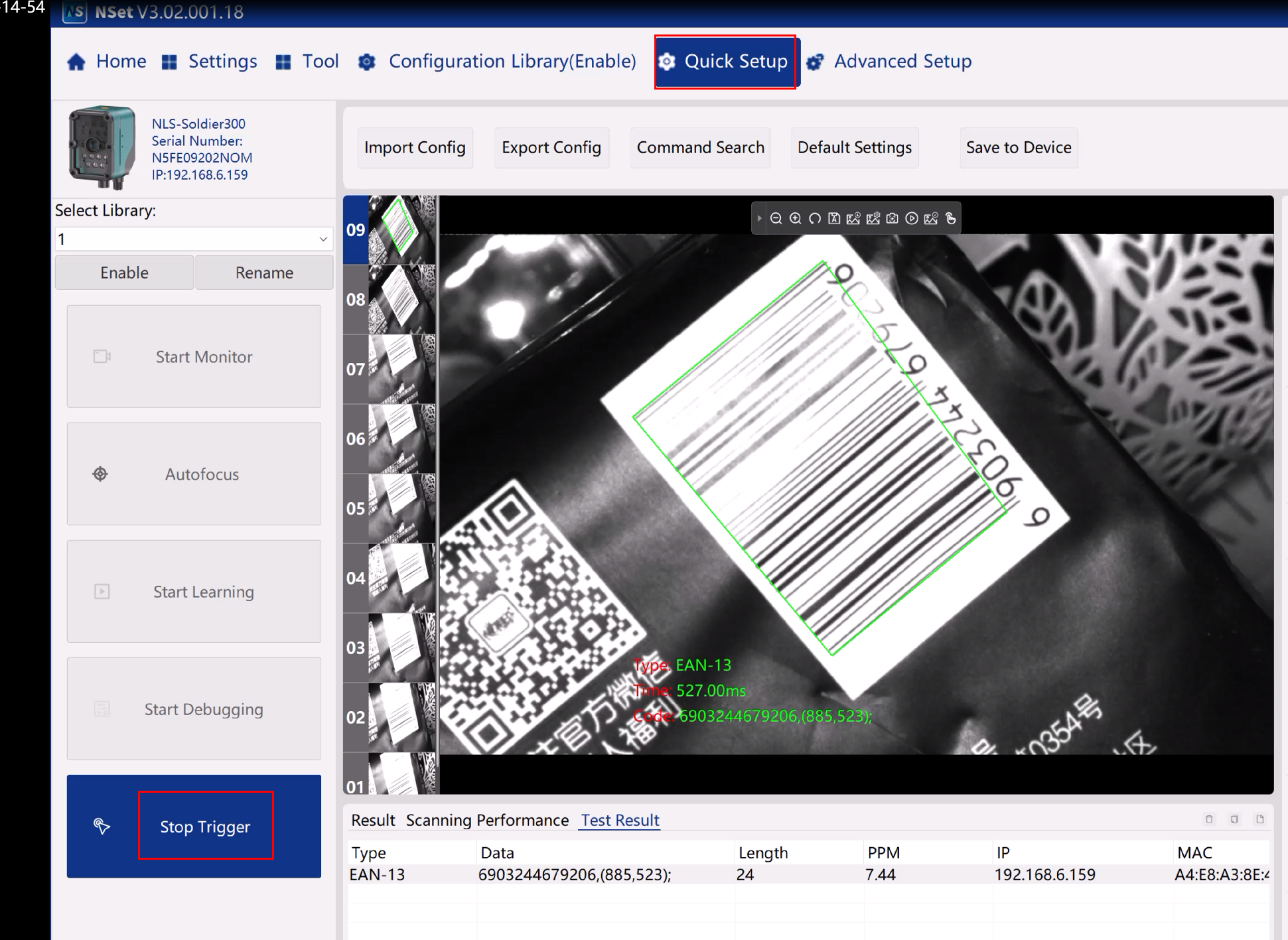
1)Open the storage path to check the images
すべてのコメント (0)


